


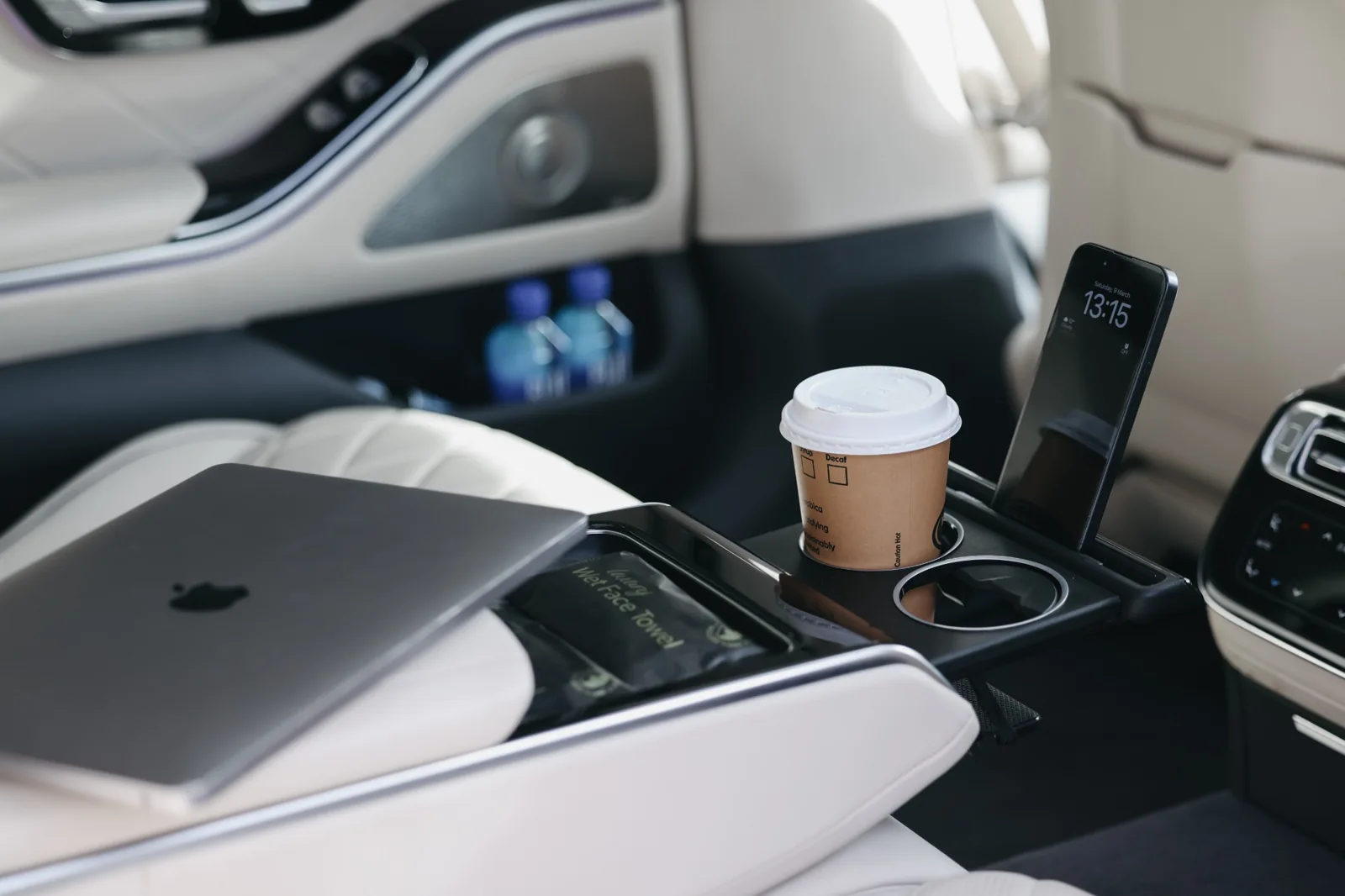
Use photographs to ask better questions
Look at the image for details you need to clarify, such as seat direction, luggage access or a possible step. Ask whether the photograph shows the actual offered vehicle or an illustrative example. A clean empty interior does not show how your passengers and belongings will fit together. If a feature matters, name it in the enquiry and request a clear answer. The photograph can start that conversation, but it should not be the end of the assessment.
Compare the image with the written offer
Read the model or category description, passenger arrangement and accepted extras in the booking. If they appear inconsistent with the image, ask support to resolve the point before confirming. Do not assume the more attractive interpretation is the one being sold. A visible table, screen, drink holder or decorative item may not be part of your service. The useful information is what the provider explicitly confirms for the date, party and journey you are arranging.
Keep expectations current when details change
A later vehicle update should be reviewed against the requirements you originally stated. Ask for relevant new details if the change affects seating, access or luggage. Share the final arrangement with the people travelling so they do not rely on an earlier screenshot. At collection, raise a genuine mismatch through the appropriate support channel using the booking reference and factual description. That is more effective than debating a general promotional image with the chauffeur.
Apply the choice to your journey
A website image may show a V-Class interior with a table, while the offer confirms a passenger van category without that feature. If the table is essential, ask before booking rather than assuming the picture adds it to the service. If it is only a preference, decide whether the confirmed arrangement still meets the journey well. The same principle applies to seat direction, screens, drinks or decorative accessories. A clear written answer is more useful than carrying an unverified screenshot to collection.
Your vehicle enquiry checklist
- Actual or illustrative image.
- Essential features named.
- Written offer checked.
- Latest vehicle update shared.
Related journeys and practical guides
Can I use an image as proof that a particular extra is included?
An image alone is not a clear service confirmation. Ask about the feature and check the accepted booking details before relying on it for your journey.
Should I send a screenshot when explaining which photographed feature interests me?
A screenshot can identify the seat, storage arrangement or item you mean, especially if the page contains several vehicles. Add a short written explanation of the requirement and ask whether it applies to the offered car. Save the answer with the booking rather than treating the screenshot itself as an agreement.
LONDON & BEYOND
Your next journey starts here.
Choose your route and vehicle on Limotak. For a more detailed itinerary, our team is here to help.