


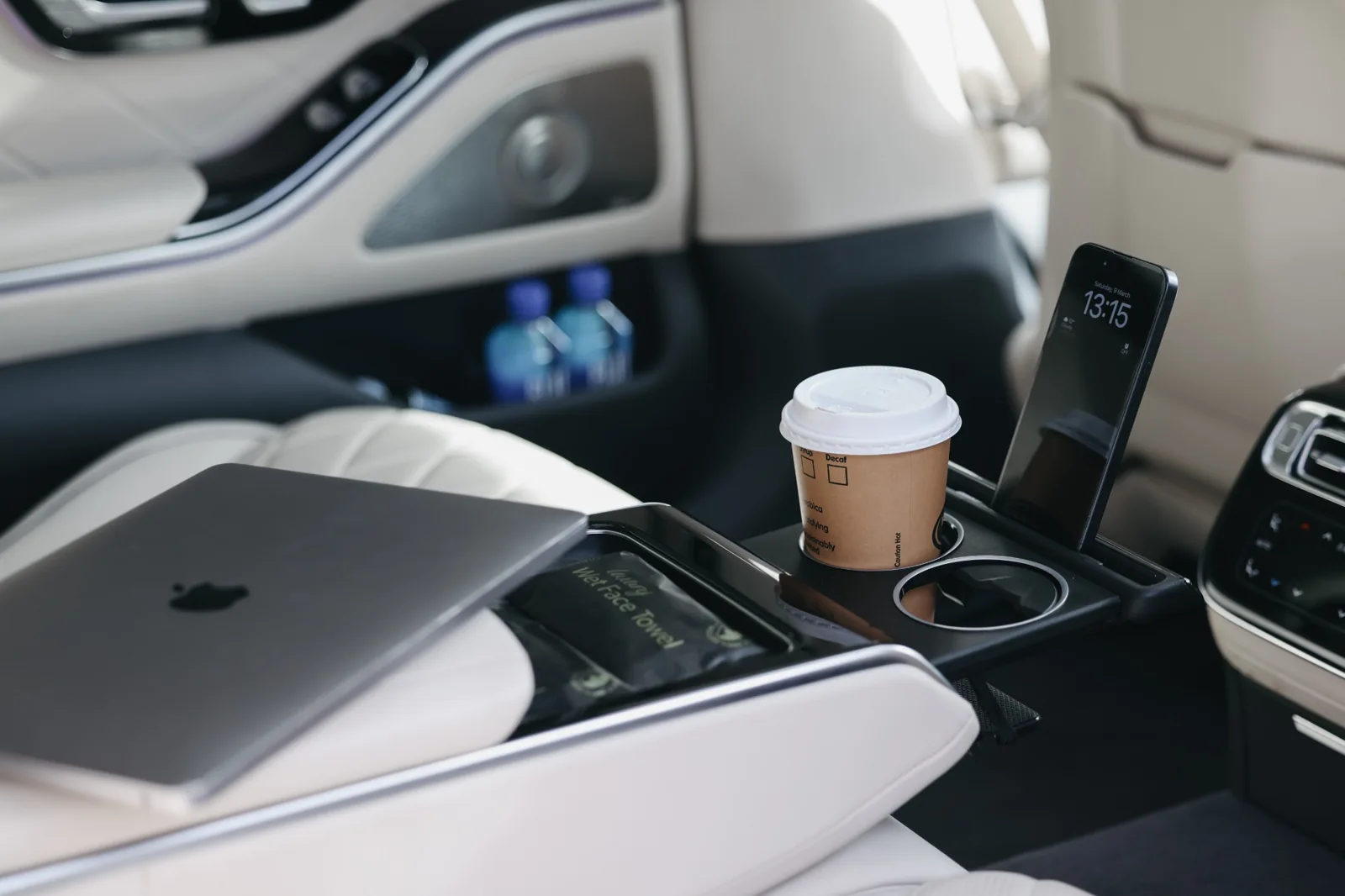
Separate essential access from optional browsing
Decide what you must be able to open during the journey: an address, boarding document, message or reservation detail. Save the necessary information offline where the relevant provider permits it. Keep the booking reference and support contact accessible without searching an inbox. If you plan a call or online activity, have an independent connection strategy and recognise that road travel can affect signal. Avoid scheduling something critical on the assumption that a particular car always provides internet.
Ask a precise question before booking
If onboard connectivity is important, ask whether it is offered in the actual vehicle and what practical limitations apply. Do not import a feature from a manufacturer’s advertisement or another chauffeur company’s service description. A vehicle may have an infotainment system without providing passenger internet in the form you expect. If the answer is uncertain, choose a plan that does not depend on it rather than treating an unconfirmed amenity as part of the purchased service.
Protect your information and belongings
Use your own judgement about the security of any network and avoid sharing unnecessary personal information in public or shared connections. Keep screens and cables positioned so they do not interfere with safe travel. If several passengers expect to work or stream, discuss those expectations before choosing the vehicle. Before leaving, check devices and accessories. Any concern about a facility that was expressly included should be raised through support with the booking reference and factual details.
Apply the choice to your journey
A traveller planning to review a reservation during the drive can download it beforehand, while someone hoping to join an important online call needs a more reliable independent plan. These are different connectivity needs and should not be treated as the same amenity request. Ask about any offered facility, but decide how the journey works if it is unavailable or signal changes. Essential travel arrangements should remain accessible even when browsing, streaming or remote work is postponed until arrival.
Your vehicle enquiry checklist
- Essential documents saved offline.
- Own connectivity plan.
- Actual onboard facility confirmed.
- Devices checked before leaving.
Related journeys and practical guides
Can a vehicle’s entertainment screen be taken as proof of Wi-Fi?
No. Screens and connectivity are different facilities. Ask about the specific passenger internet service, if any, offered for the vehicle and booking you are considering.
How can I prepare useful journey information without relying on a connection?
Save the meeting instructions, destination address and essential documents before travelling. Check that they open offline and keep a separate contact method where practical. If connectivity is necessary for a specific task, ask what the proposed vehicle offers and avoid making the trip depend on an unconfirmed service.
LONDON & BEYOND
Your next journey starts here.
Choose your route and vehicle on Limotak. For a more detailed itinerary, our team is here to help.